Email Template
The email template allows to manage email templates such as User Welcome email, User Activation email, and Reset Password email.
Navigate to System > Email Template to manage email templates.
Figure 69 : Email Template
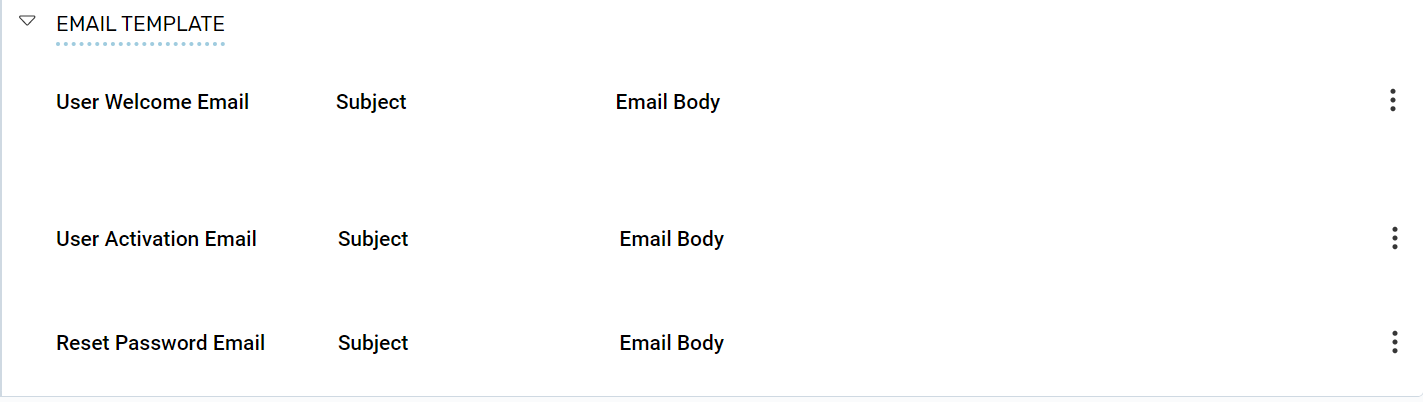
Under the Email Template section, expand the User Welcome Email section, to perform the following:
- User Welcome Email: Click the Kebab menu in the User Welcome Email section to perform the following:
- Edit a User Welcome Email: Click Edit to edit user welcome details.
- Reset Config: Click Reset Config to reset the user welcome details.
- User Activation Email: Click the Kebab menu in the User Activation Email section to perform the following:
- Edit a User Activation Email: Click Edit to edit user activation email details.
- Reset Config: Click Reset Config to reset the user activation email details.
- Reset Password Email: Click the Kebab menu in the Reset Password Email section to perform the following:
- Edit a Password Email: Click Edit to edit or reset password email details.
- Reset Config: Click Reset Config to reset the user password email details.