Interfaces 
Navigate to Infrastructure > Devices > Device hyperlink > Configuration tab > Interfaces tab.
Figure 84 : Device Interfaces Details
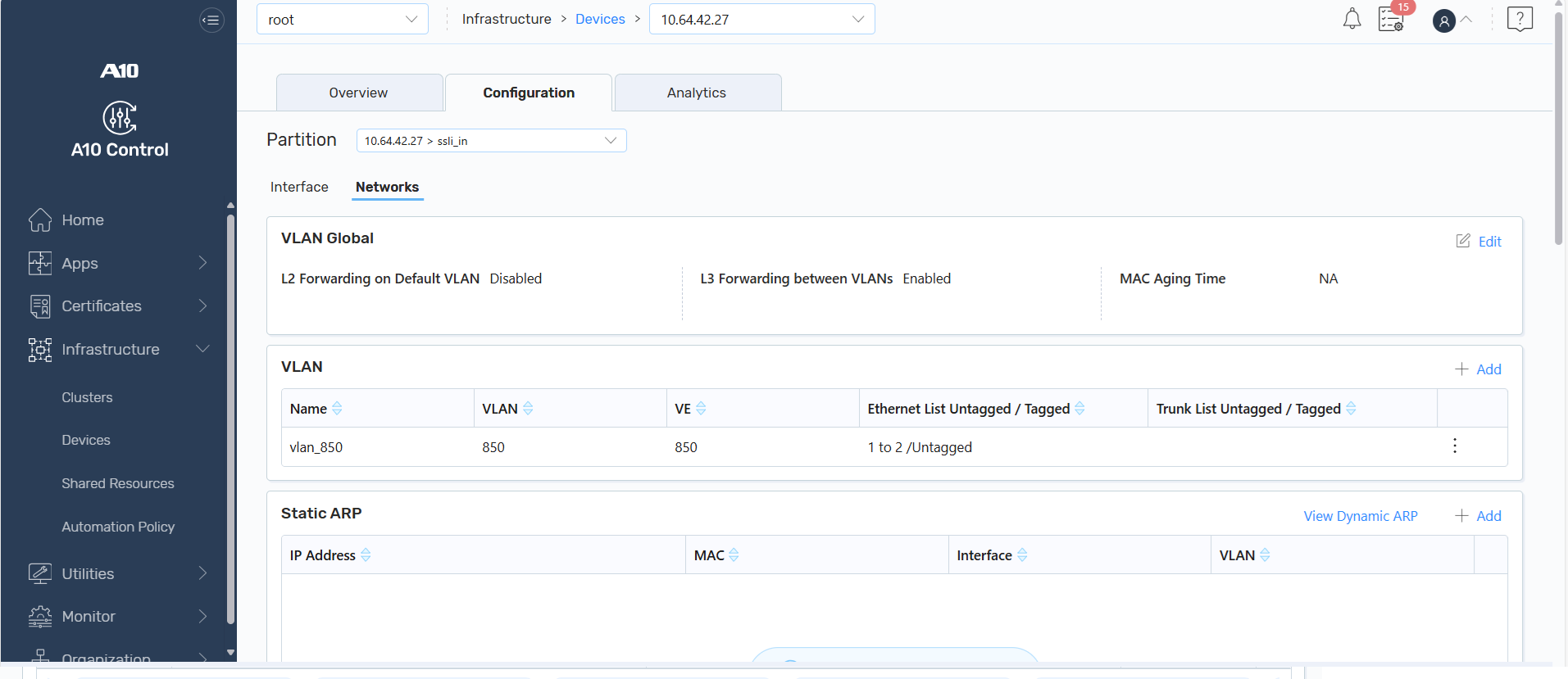
The Interfaces tab allows you to view and edit the device interface-related settings. You can edit the following information:
 Management
Edit management interface details if the configured interface is a management interface.
Click Edit and then click Update.
| Field | Description |
|---|---|
|
Action |
Enable or disable the management port. |
|
Advanced |
The interface global management details. |
|
Access-Control |
The access-control management details. |
|
IPv6 |
The IPv6 details. |
|
Secondary IPv4 |
The secondary IPv4 details. |
|
LLDP |
The Link Layer Discovery Protocol (LLDP) details. |
Ethernet
Edit the interface ethernet details if the configured interface is a virtual or physical Ethernet port.
Click Edit and then click Update.
| Field | Description |
|---|---|
|
Advanced |
The advanced details. |
|
Access-Control |
The secondary IPv4 details. |
|
SNMP |
The SNMP details. |
|
BFD |
The Bidirectional Forwarding Detection (BFD) details. |
|
IPv4 |
The IPv4 details. |
|
IPv4 NAT |
The IPv4 Network Address Translation (NAT) details. |
|
IPv6 |
The IPv6 details. |
|
IPv6 Access-Control |
The IPv6 access-control details. |
|
IPv6 Advertisement |
The IPv6 advertisement details. |
|
IPv6 NAT |
The IPv6 Network Address Translation (NAT) details. |
|
ISIS |
The Intermediate System to Intermediate System (ISIS) details. |
|
LLDP |
The Link Layer Display Protocol (LLDP) details. |
|
Trunk Group |
The trunk group details. |
VE/Trunk
Edit the virtual interface ethernet or trunk details if the configured interface is a virtual Ethernet interface or a logical trunk interface.
Click Edit and then click Update.
| Field | Description |
|---|---|
|
Advanced |
The advanced details. |
|
SNMP |
The SNMP details. |
|
BFD |
The Bidirectional Forwarding Detection (BFD) details. |
|
IPv4 |
The IPv4 details. |
|
IPv4 NAT |
The IPv4 Network Address Translation (NAT) details. |
|
IPv6 |
The IPv6 details. |
|
IPv6 Access-Control |
The IPv6 access-control details. |
|
IPv6 Advertisement |
The IPv6 advertisement details. |
|
IPv6 NAT |
The IPv6 Network Address Translation (NAT) details. |
|
ISIS |
The Intermediate System to Intermediate System (ISIS) details. |
LIF
Edit the LIF details if the configured interface is a logical interface in a software-defined network (SDN) or overlay network.
Click Edit and then click Update.
| Field | Description |
|---|---|
|
Advanced |
The advanced details. |
|
SNMP |
The SNMP details. |
|
BFD |
The Bidirectional Forwarding Detection (BFD) details. |
|
IPv4 |
The IPv4 details. |
|
IPv4 NAT |
The IPv4 Network Address Translation (NAT) details. |
|
IPv6 |
The IPv6 details. |
|
IPv6 Access-Control |
The IPv6 access-control details. |
|
IPv6 Advertisement |
The IPv6 advertisement details. |
|
IPv6 NAT |
The IPv6 Network Address Translation (NAT) details. |
|
ISIS |
The Intermediate System to Intermediate System (ISIS) details. |
Tunnel
Edit the interface tunnel details if the configured interface is a tunnel.
Click Edit and then click Update.
| Field | Description |
|---|---|
| Ifnum | An interface tunnel number. |
| Action | Enable or disable interface tunnel. |
|
Advanced |
The advanced details of interface tunnel. |
|
IPv4/IPv6 |
The IPv4 or IPv6 configuration details of interface tunnel. |
For more information about device interfaces, see the following manuals on the Documentation site: