Certificate Job 
The certificate renewal history can be viewed on the Create Job page.
To view the certificate renewal history:
-
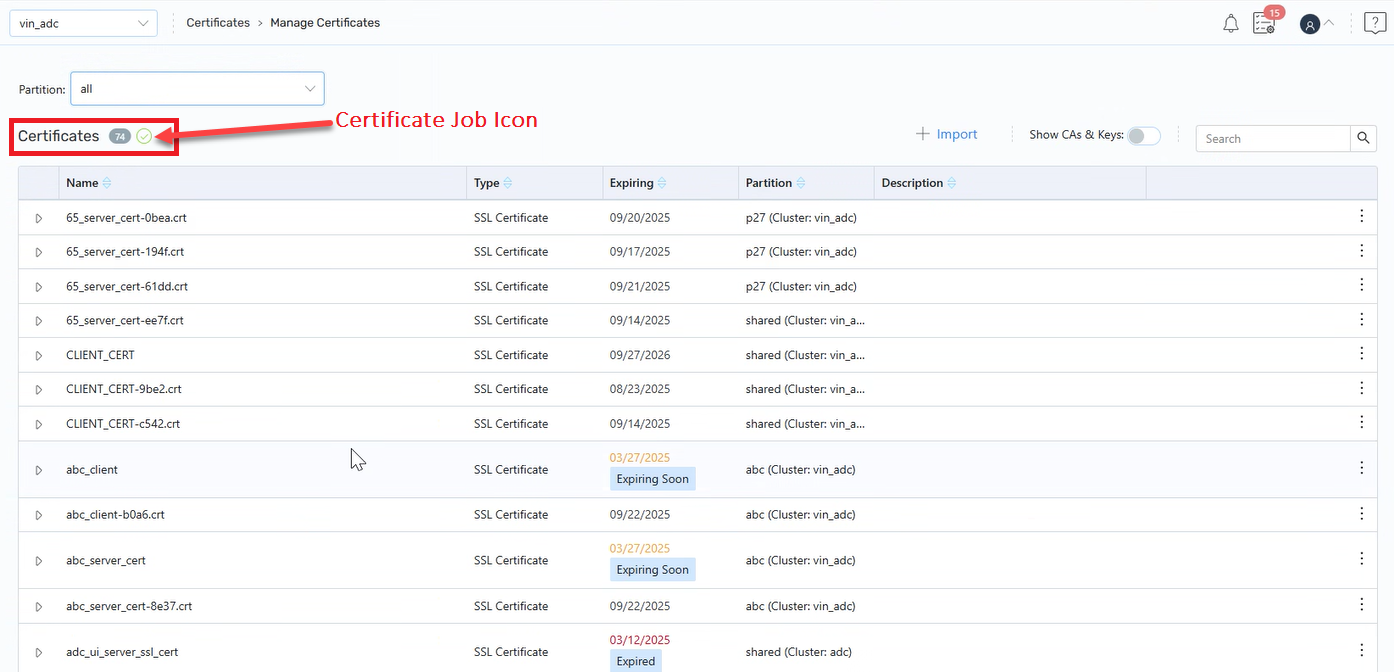
Navigate to Certificates > Manage Certificates.
-
On the Manage Certificates page, next to the Certificate count, click the Certificate Job check-mark icon to display the Job Certificate page.
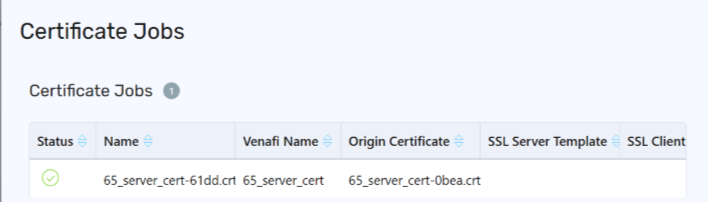
On the Job Certificate page, the certificate renewal details such as Status, Name, Venafi Name, Origin Certificate, SSL Server Template, and SSL Client are displayed.